Project Documentation: What to Write and Where It Lives
Project documentation is six documents, one per phase, kept on the project beside its tasks. See which to write, which nobody reads, and where each lives.
Open the folder for a project that finished last year and count the documents nobody opened after kickoff. Most project documentation guides list twenty document types and stop there, which is how teams end up writing all twenty and reading none. Project documentation is smaller than that list: six documents, each written at a specific phase, kept on the project so the people it names can find it.
The short answer. A project needs six documents: a charter (initiating), a plan and schedule (planning), a RAID log and a decision log (running), status reports (running) and a handover (closing). Keep them on the project, next to the tasks they describe, not in a separate folder tree. The Project Management Institute's 2013 Pulse of the Profession found ineffective communication to be the primary contributor to project failure one third of the time (as quoted by Ascertra), and unwritten decisions are where that starts.
Which documents does a project actually need?
A project needs one document per question that will otherwise be asked twice. The diagram below places the six documents on the phases of a project; the table after it says what each one answers and how long it should be.
| Document | Phase | Question it answers | Keep it to |
|---|---|---|---|
| Project charter | Initiating | Why does this project exist and who decides? | One page |
| Plan and schedule | Planning | What gets done, by when, by whom? | The live schedule, not a PDF of it |
| RAID log | Running | What could slip, and what are we assuming? | One row per item, with an owner |
| Decision log | Running | What did we choose and why? | Date, decision, reason, who |
| Status report | Running | Are we on track this week? | Half a page |
| Handover | Closing | What does the next owner need? | Five items and a walkthrough |
Which project documents does nobody read?
Nobody reads a document that restates something the plan already shows. A 12-page project plan that copies the schedule into prose is out of date by the second week, and a communication plan nobody has opened since kickoff does less than one pinned comment saying who to ask. A quick test: if a document has no named reader and no moment when it is opened, delete it from the required list. The six above each have both. A RAID log is opened at the weekly review, a decision log when someone asks "why did we do that", a handover when the owner changes.
Where should project documentation live?
Project documentation should live on the project, in the same workspace as the tasks it describes. A document in a separate folder tree has no link from the work, so the person assigned a task cannot find the decision that shaped it, and the document drifts from the plan within weeks.
In Onplana the project's Documents area holds files with version history, on every plan including Free. Re-uploading under the same name saves a new version rather than a second copy called final-v2, which is the whole fix for "which one is current". How that library is organised, with folders, restricted access and client sharing, is covered in project document management. Text that changes weekly, such as a project home page or a running decision summary, suits custom pages, which start on the Pro plan; the Wiki was retired in favour of Pages in September 2026.
A signed charter and a status report have different lives, so they sit differently:
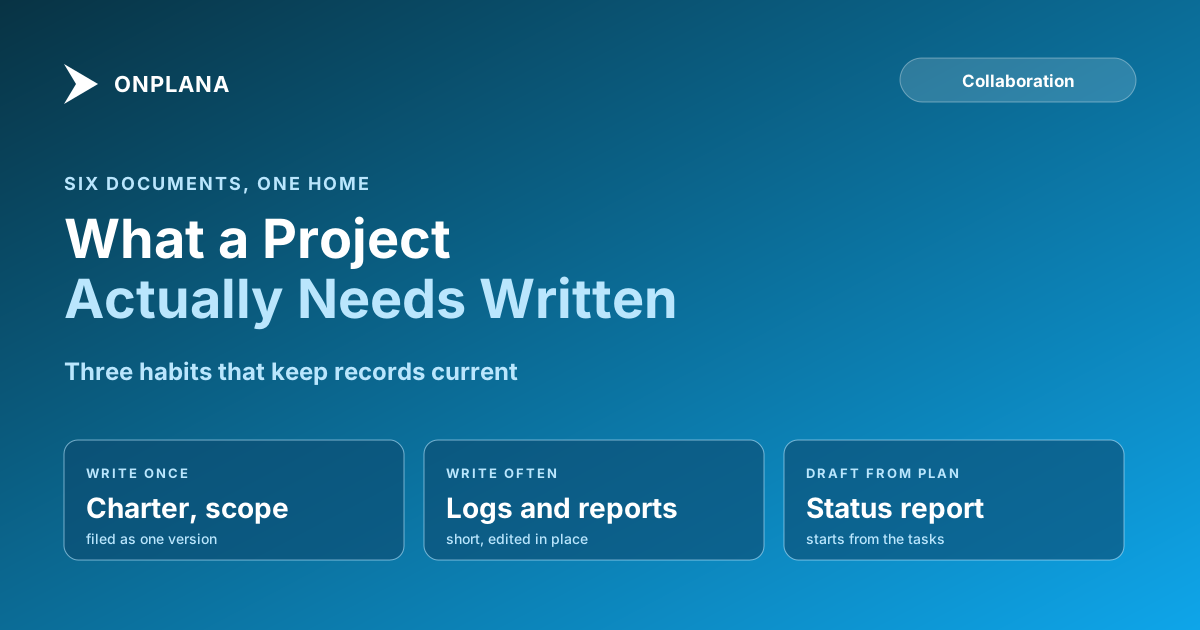
- Write once, file once. The charter, the contract and the signed scope go in the project library as a single versioned file.
- Write often, keep short. The RAID log, decision log and status reports are rows or short pages, edited in place so each has one history.
- Draft the report from the plan. The free Status Report Writer turns your project facts into a status report so the report starts from the plan rather than from memory.
Who should be able to read it?
The team reads everything by default, a client reads the one document they need, and a small set of documents is restricted. A client does not need a licence for this: a file can be sent to their email address and they open it view-only with a code, as explained in sharing project documents with clients. Restricting a folder limits who else can open it, but Owners and Admins keep access, so a restricted file cannot be orphaned. Business and above add document approval workflows, where a new version stays locked until a named approver decides; on smaller plans, approval lives in a comment on the document. Read guest seats before promising a client ongoing access to a whole project.
How do you keep documentation from going stale?
Documentation stays current when updating it is the cheapest way to answer a question. Put the document where the question is asked, link it from the task it affects, and write the decision on the day it is made, in one line. The team collaboration hub shows how comments, mentions and documents sit on one plan. A weekly ten-minute review of the RAID log and decision log catches most drift; anything older than the last two reviews and still unchanged is either finished or untrue.
Draft this week's status report from your project The free Status Report Writer turns your project facts into a short, readable report. No signup required. → Open the Status Report Writer
Frequently asked questions
What is project documentation?
Project documentation is the set of written records that say what a project is for, how it will be delivered, what was decided and what happened. Most projects need six: a charter, a plan and schedule, a RAID log, a decision log, status reports and a handover.
Which project documents does every project need?
A charter, a plan and schedule, a log of risks, assumptions, issues and dependencies, a decision log, regular status reports and a handover note. Anything beyond those six should earn its place by being read.
Where should project documentation be stored?
On the project itself, next to the tasks it describes, so the people named in a document can find it from their own work. A shared folder tree separated from the plan is where documents go stale.
Do I need a wiki or pages for project documentation?
No, a document library is enough for files that are written once, such as a signed charter. Pages suit text that changes often, such as a project home or a decision summary. On Onplana, pages start on the Pro plan and document folders are on every plan.
Who should be able to see project documents?
The project team by default, a client for the one document they need, and a restricted folder for anything sensitive. Owners and Admins always keep access to a restricted folder, so it narrows the audience without orphaning the file.
Can a document be forced through an approval?
Yes, on Business and above: a new document or version stays locked until a named approver decides. On smaller plans, sign-off happens in a comment thread, which records it but does not lock the version.
Where does this approach fall short?
No tool makes people write the document. A library keeps documents findable and versioned, but someone still has to write the decision down on the day it is made.
Ready to make the switch?
Start your free Onplana account and import your existing projects in minutes.