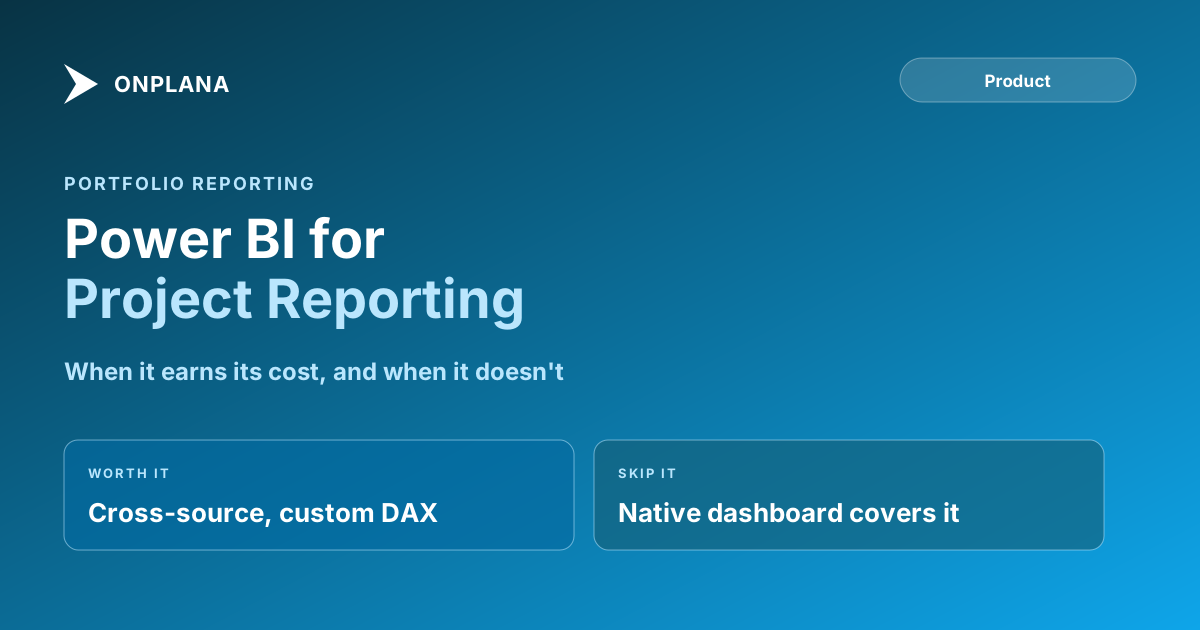
Project Management Power BI: Is It Worth It?
Project management Power BI reporting earns its cost for cross-source analytics and exec KPIs; native dashboards cover most day-to-day PMO reporting.
The instinct in a PMO reporting review is always the same: someone asks for it in Power BI. Sometimes that's the right call. More often, project management Power BI reporting becomes a second product the PMO now owns: a data model someone has to build, a schema that breaks every time the source tool's fields change, and a refresh job someone has to babysit indefinitely.
Power BI earns its cost when a PMO needs cross-source analytics, custom DAX-driven KPIs, or executive reporting spanning departments beyond the project portfolio. For portfolio health, milestone rollups, and resource views scoped to the PM tool's own data, a native dashboard usually answers the question faster and without the maintenance tail.
The short version Project management Power BI reporting is worth building when a PMO needs cross-source analytics, custom fiscal-calendar KPIs, or executive reporting that spans multiple departments. For portfolio status, milestones, and resource views scoped to one PM tool's data, a native dashboard usually answers the question without a data model to maintain. The pattern most PMOs land on: native dashboards for day-to-day PMO reporting, Power BI reserved for the smaller set of reports that genuinely need it.
When Project Management Power BI Reporting Earns Its Cost
| Dimension | Power BI | Native PM tool dashboard |
|---|---|---|
| Setup time | Days to weeks to build the semantic model | Minutes; drag widgets onto a canvas |
| Who maintains it | A BI developer or a PM who becomes one | The PM tool vendor |
| Cross-source data (ERP, HR, finance) | Yes, this is Power BI's actual strength | No, scoped to the PM tool's own data |
| Custom DAX-driven KPIs | Yes, arbitrarily complex | Limited to what the tool's widget types expose |
| Breaks when source schema changes | Yes, the report needs a fix | No, the vendor keeps the dashboard in sync |
| Best for | Cross-department exec reporting, complex modeling | Portfolio health, milestones, resource views, budget burn |
The row that decides most cases is the fourth one. If the KPI a PMO wants already exists as a native widget, a data model in Power BI is solving a problem that's already solved. If the KPI blends project data with headcount from an HR system or spend from an ERP, no PM tool's native dashboard will ever cover that, and Power BI is the right tool.
What Does a Power BI Data Model Actually Cost to Maintain?
The build is the visible cost. The maintenance is the one PMOs underestimate. A Power BI report is built on a semantic model that has to be re-pointed every time the source tool changes a field name, adds a required column, or restructures its API. Someone has to own that: watch for schema changes, fix the broken visual, and republish before the Monday portfolio review. On a native dashboard, that job belongs to the vendor, not the PMO, because the widget and the underlying data model ship as one product.
The diagram below walks the decision in the order that actually matters: whether the built-in dashboard already answers the question, and only then whether the gap is worth a standing Power BI commitment.
The Middle Path Most PMOs Land On
Few PMOs run purely one way or the other. The pattern that holds up over multiple years is: native dashboards handle the recurring, internal PMO reporting (portfolio health, milestone status, resource utilization, budget burn), and Power BI gets reserved for the smaller set of reports that genuinely need cross-department data or a level of custom modeling no vendor widget will ever cover. Trying to run every PMO report through Power BI usually ends with someone rebuilding the native-dashboard equivalent inside Power BI anyway, at a fraction of the speed and with a maintenance bill attached.
Onplana's dashboard builder ships 22 widget types covering Gantt snapshots, milestone timelines, resource heatmaps, budget burn, risk registers, and cross-project rollups, plus a cross-project report builder that scales the same configuration from 10 projects to 200. For the smaller set of reports that still warrant Power BI, Onplana exposes a REST API that Power BI's connector can query directly, so the two approaches aren't mutually exclusive. Reporting and dashboards, Onplana versus Project Online covers the same tradeoff from the migration side, including what breaks when a Project Online tenant with Power BI reports built on its OData feed retires.
Before You Commit to a Power BI Build
Ask three questions before scoping a Power BI report: does the KPI already exist as a native widget, does it need data from outside the PM tool, and who is the named owner three years from now when the schema changes for the fourth time. If the honest answer to the third question is "nobody yet," that's usually the answer to whether the report belongs in Power BI at all. The same maintenance-ownership question governs PM tool total cost of ownership more broadly, and it applies just as directly to a reporting layer as it does to the PM tool underneath it.
Frequently asked questions
Does a PMO need Power BI for portfolio reporting?
Not usually. A PM tool's native dashboard typically covers portfolio health, milestone rollups, and resource views without a data model to build or maintain. Power BI earns its cost when the PMO needs to blend project data with sources outside the PM tool, or build custom DAX-driven KPIs.
What does a Power BI data model cost to maintain?
Ongoing DAX modeling skill, a schema that has to be updated every time the source tool's fields or API change, and a refresh job someone has to monitor. Most mid-market PMOs underestimate this as an ongoing cost rather than a one-time build.
Can Power BI connect to a modern PM tool's data?
Yes, if the tool exposes a REST API or an OData feed. Power BI's connector pulls the data into a semantic model you build yourself; the PM tool's own native dashboard doesn't require that step.
What's the middle path between native dashboards and full Power BI?
Use the PM tool's built-in dashboard for day-to-day PMO reporting and reserve Power BI for the smaller set of executive reports that genuinely need cross-department or cross-source data. Most PMOs that try to run everything through Power BI end up building the native-dashboard equivalent inside Power BI anyway.
Ready to make the switch?
Start your free Onplana account and import your existing projects in minutes.