MS Project Scheduling Software: What Else Reads .mpp Files
MS Project scheduling software means Microsoft's own plans or a tool that opens .mpp files. Prices dated, and what each keeps: links, constraints, baselines.
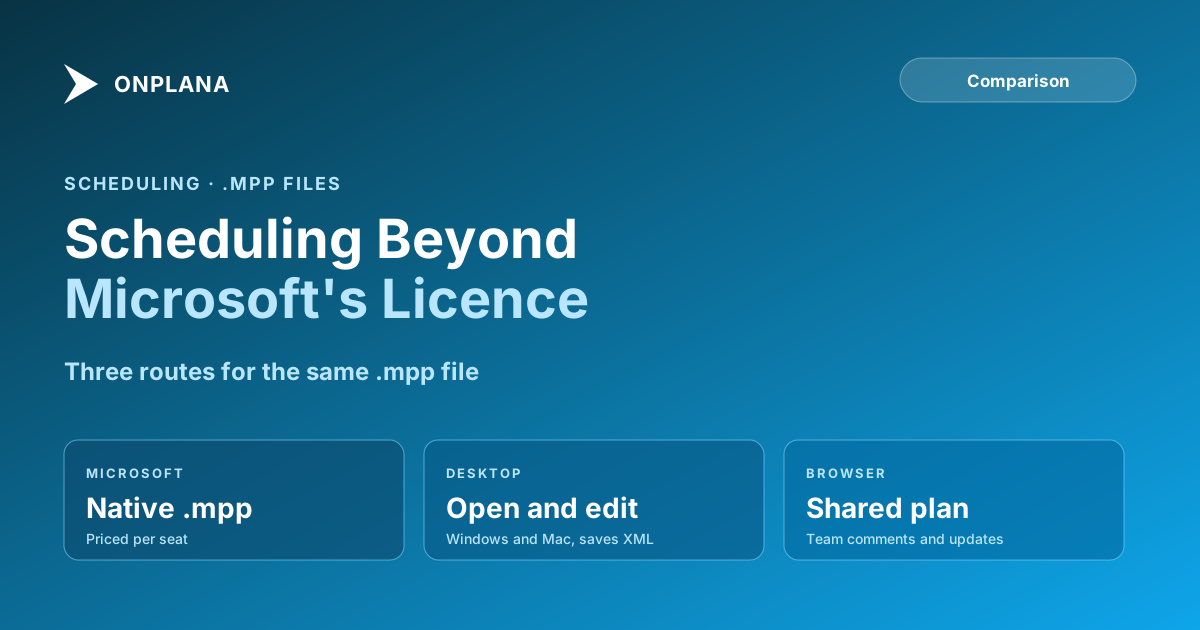
If you need MS Project scheduling software, you have two routes: pay for Microsoft's own plans, or open the same .mpp files in a tool that schedules the way Project does. As listed on Microsoft's pages on October 6, 2026, Planner and Project Plan 3 was $30.00 per user per month paid yearly and includes the Project desktop app, and Project Standard 2024 was $679.99 one-time. The right route depends on who has to open the file, not on who has the better brochure.
The short answer. Choose Microsoft's plans when your organisation standardises on Project and needs the .mpp format written natively. Choose a tool that reads .mpp when you need to open, check and edit a schedule without that licence. Onplana Schedule is free on Windows and Mac, opens .mpp files, and saves Project XML that Microsoft Project reads.
If you already hold an .mpp file, download Onplana Schedule free and open the .mpp to see its Gantt, critical path and float before you decide anything else.
What does Microsoft itself offer for scheduling?
Microsoft sells Project through two routes, described here from its pages as read on October 6, 2026; we could not re-read them on the day of writing, so confirm before you buy. The Planner and Project plans are subscriptions: Planner Plan 1 at $10.00 per user per month, and Plan 3 at $30.00, both paid yearly. The desktop Project plans include Project Standard 2024 as a one-time purchase.
The scheduling engine is the reference: every other tool is measured against how closely it matches Project's dates. The cost is per seat, and everyone who opens the plan to edit it needs a licence.
Which tools open and schedule .mpp files?
A tool qualifies if it reads the .mpp format and recalculates dates when something changes.
| Dimension | Microsoft Project desktop | Onplana Schedule (desktop) | Onplana web app |
|---|---|---|---|
| Opens .mpp | Yes, natively | Yes, on Windows and Mac | Yes, by import, on every plan |
| Dependency links with lag | Four types | Four types with lag, drag to link | Four types with lag, every plan |
| Constraints | Yes | All eight Microsoft Project types, with deadline warnings | Yes, imported with the file |
| Critical path and float | Yes | Yes, recomputed on every change | Yes, on every plan |
| Baselines | Yes | Shown when the file carries them | Capture and variance on Professional and above |
| Save format | .mpp | Project XML, as a new file beside the original | Shared project in the browser |
| Price | Per the Microsoft pages above | Free to download and use | Free plan, then per seat |
The diagram below turns the table into a decision: what you have in hand and who needs to open it.
What does Onplana Schedule do, and what does it not?
Onplana Schedule opens .mpp, .mpt, .mpx and Project XML, plus Primavera .xer. It shows a Gantt and grid with duration, start, finish, predecessors, resources, percent complete, float and baseline bars when the file carries them. You edit with undo: cells, insert, delete, indent, outdent, links by drag with type and lag, and the eight constraint types, and every change reschedules. It saves Project XML as a new file beside the original and never over it, and it exports a PDF.
Two things it does not do: it does not write the .mpp format, and there is no browser-based .mpp viewer inside it. Read how to open an .mpp file without Microsoft Project for the file-level detail, or what an MPP file is.
Where does your file go?
The file's contents decide, not its extension. If the contents are Microsoft Project XML, the file is read on your machine and nothing is uploaded. Everything else, including a binary .mpp and a Primavera P6 or Planner XML export, is converted on Onplana's servers, and the uploaded copy is deleted within 3 days and removed from backups 7 days after that.
When is a shared browser plan the better route?
When the people who need the schedule are not schedulers. The Onplana web app imports the .mpp and keeps tasks, hierarchy, links with lag, constraints, milestones and costs, so a team can comment and update progress in a browser. The Gantt and critical path are on every plan including Free; baselines and variance start on Professional. The project scheduling software page states the engine's one honest limit: the web app schedules in whole working days, and minute-level planning is the desktop app. For the wider field, see Microsoft Project alternatives compared and how a desktop schedule becomes a shared plan.
How to choose in five minutes
- List who must edit the schedule and who only reads it.
- Open your real .mpp in the tool you are considering, not a demo file.
- Check that link types, lag and constraints match the dates you had.
- Decide whether you need .mpp written back. If you do, Onplana Schedule is not that tool.
- Compare the price per editor, using dated pages.
Download Onplana Schedule free and open the .mpp Windows and Mac. See the Gantt, critical path and float, edit the plan, and save it as Project XML that Microsoft Project opens. → Get Onplana Schedule
Frequently asked questions
What is MS Project scheduling software?
It is software that builds and recalculates a project schedule the way Microsoft Project does: tasks, dependency links with lag, constraints, a critical path and baselines. That means Microsoft's own Project plans, or another tool that reads the same .mpp files.
How much does Microsoft Project cost?
On Microsoft's pages as of October 6, 2026, Planner and Project Plan 3 was $30.00 per user per month paid yearly and includes the Project desktop app, and Project Standard 2024 was $679.99 one-time. Microsoft changes these prices, so check the pages before you budget.
Can I open an .mpp file without Microsoft Project?
Yes. Onplana Schedule opens .mpp files on Windows and Mac without a Microsoft Project licence, and shows the Gantt, the critical path and float. A binary .mpp is converted on Onplana's servers.
Can another tool save back to .mpp?
Not every tool can. Onplana Schedule does not write the .mpp format: it saves Project XML, which Microsoft Project opens through File > Open.
Will constraints and dependencies survive the move?
In Onplana they do: imported schedules keep the four dependency types with lag and all eight Microsoft Project constraint types. Check a file you care about before you rely on it, because other tools differ.
Ready to make the switch?
Start your free Onplana account and import your existing projects in minutes.