How to Open an XER File on a Mac Without Primavera P6
Open an XER file on a Mac without Primavera P6: use a free web viewer, or Onplana Schedule for Mac to read the Gantt, critical path and float and export a PDF.
Primavera P6 Professional is Windows software, and the .xer file a contractor just emailed you is open on a MacBook that cannot run it. You still have three ways in, and the quickest takes about a minute: open the file in Onplana Schedule for Mac, which shows the Gantt chart, critical path and float, or upload it to a free web viewer.
The short answer: to open an XER file on a Mac, use a free web viewer for a quick read, Onplana Schedule for Mac to read, edit and export a PDF, or a Windows virtual machine with a P6 licence only if you must work in P6 itself. Both free routes convert the file on Onplana's servers, because an .xer is Primavera's own format.
Download Onplana Schedule for Mac A free desktop app that opens a Primavera .xer as a Gantt chart with the critical path and float, then exports a PDF. → Download Onplana Schedule for Mac
What are the ways to open an XER file on a Mac?
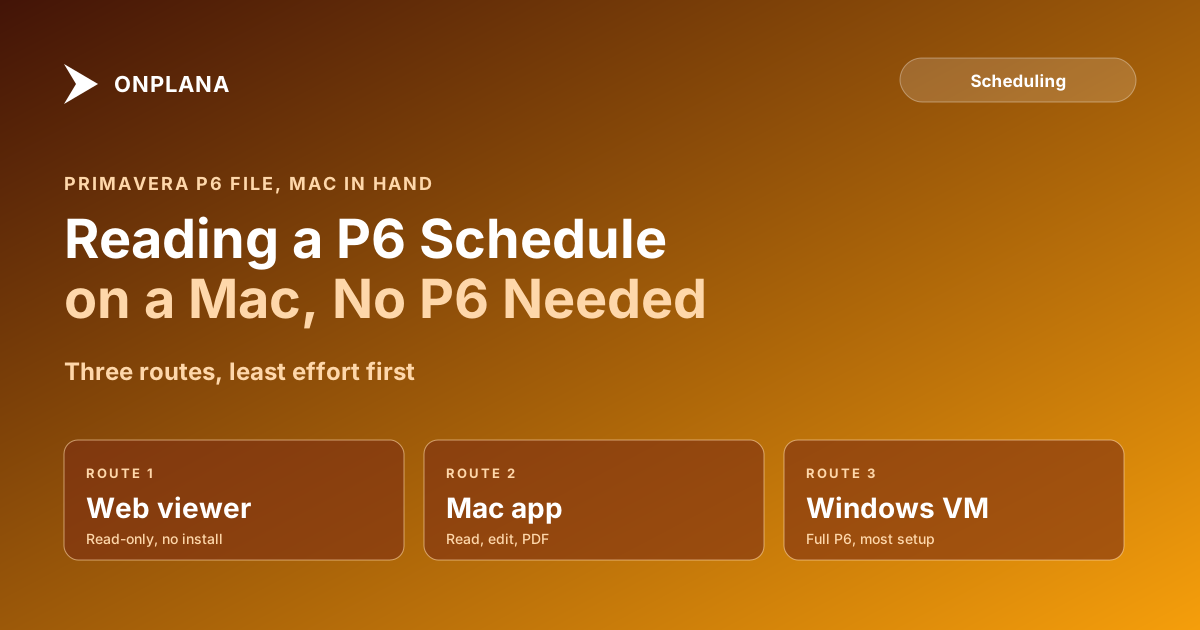
Three routes exist, and they differ in effort and in what you can do afterwards. The diagram below orders them from least to most effort.
| Route | Cost | Edits | Where the file is read |
|---|---|---|---|
| Web viewer (free XER viewer) | Free | No, read-only | Converted on Onplana's servers |
| Onplana Schedule for Mac | Free | Yes, saves Project XML | Converted on Onplana's servers |
| Windows virtual machine with P6 | Windows and P6 licences | Yes, in P6 | On your machine |
The general question has its own page: how to open a P6 .xer file without P6 covers every platform, and this post stays with the Mac. Our explainer on what an XER file is covers the format.
How do you open an XER file in Onplana Schedule on a Mac?
Install the app, then open the file. Onplana Schedule for Mac needs macOS 13 or later and comes as a download or from the Mac App Store; no account is needed.
- Download Onplana Schedule for Mac from the Onplana Schedule page and install it.
- Double-click the .xer, or drop it on the app window.
- Say yes when the app asks before it sends a copy to be converted.
- Read the Gantt chart and task table: activities in their WBS outline, durations, dates, percent complete, constraints and relationships of all four types with lag.
- Turn on the critical path to see it and the float, computed from the links in the file.
- Export a PDF to send to someone who does not have the file.
According to the XER viewer page on onplana.com, read on 2026-11-18, the online viewer takes files up to 20 MB, and the desktop app takes files up to 50 MB.
What happens to the file when you open it?
The file's contents decide where it is read, not its extension. Microsoft Project XML is read on your machine and nothing is uploaded. Everything else, a Primavera .xer included, is converted on Onplana's servers: the uploaded copy is deleted within 3 days and removed from backups 7 days after that. The app asks first. If a schedule must stay on the Mac, tick "Keep this plan on this machine" under Privacy in Settings, and the commands that would send it are greyed out.
What will an XER file not show?
An .xer carries the schedule, not the whole P6 project. P6 keeps a baseline as a separate baseline project, so the file has none, and the Baseline toggle has nothing to show. To compare against a baseline, open the baseline project's export as well. The browser viewer cannot edit; the Mac app can, and a plain save writes Microsoft Project XML beside the original while the .xer itself is never changed. To turn the file into something Microsoft Project opens, see how to convert an XER file to Microsoft Project.
When is a virtual machine the right answer?
Only when you must work inside P6: building new activity codes, running its reports or round-tripping a file back into the contractor's P6 database. It needs a Windows licence, a P6 licence and an afternoon of setup. For reading a file someone sent you, checking the critical path or printing a PDF, the Mac app does the job in a minute.
If you are weighing a move off P6 rather than just reading one file, Primavera P6 alternatives compared ranks four schedulers, and Primavera vs Microsoft Project compares the two most common.
Download Onplana Schedule for Mac Open the .xer in a free desktop app, read the critical path and float, and export a PDF. Prefer the browser? Try the free XER viewer first. → Download Onplana Schedule for Mac
Frequently asked questions
Can I open an XER file on a Mac?
Yes. Open it in Onplana Schedule for Mac, a free app that shows the Gantt chart with the critical path and float, or upload it to the free XER viewer in your browser, which is read-only. Neither needs a Primavera licence.
Is there a Primavera P6 for Mac?
P6 Professional is a Windows desktop program, so a Mac needs a Windows virtual machine and a P6 licence to run it. If you only need to read a file you were sent, a viewer is far less work.
Is my XER file uploaded when I open it on a Mac?
Yes, to be converted. An .xer is Primavera's own format, so it is converted on Onplana's servers, and the app asks before sending a copy. The uploaded copy is deleted within 3 days and removed from backups 7 days after that.
Does the file show a baseline?
No. P6 keeps a baseline as a separate baseline project, so the .xer of a schedule carries none and the Baseline toggle has nothing to show.
Can I edit the schedule on a Mac?
Yes, in Onplana Schedule, not in the browser viewer, which is read-only. Edits save as Microsoft Project XML beside the original, and the .xer you opened is never changed.
Which Macs does Onplana Schedule run on?
It needs macOS 13 or later and is available as a download or from the Mac App Store. Read the download page for the current build before you install.
Ready to make the switch?
Start your free Onplana account and import your existing projects in minutes.