Primavera P6 Alternatives: Four Schedulers Compared
Primavera P6 alternatives ranked on .xer import, calendars, constraints and float: Asta Powerproject, Onplana, Microsoft Project and ProjectLibre, checked.
A P6 licence is rarely the whole cost of staying on Primavera; the rest is the administrator, the training and the database behind it. Most planners who search for Primavera P6 alternatives are not trying to leave P6 entirely. They need to read, check or edit one schedule that arrived as an .xer, without the full stack.
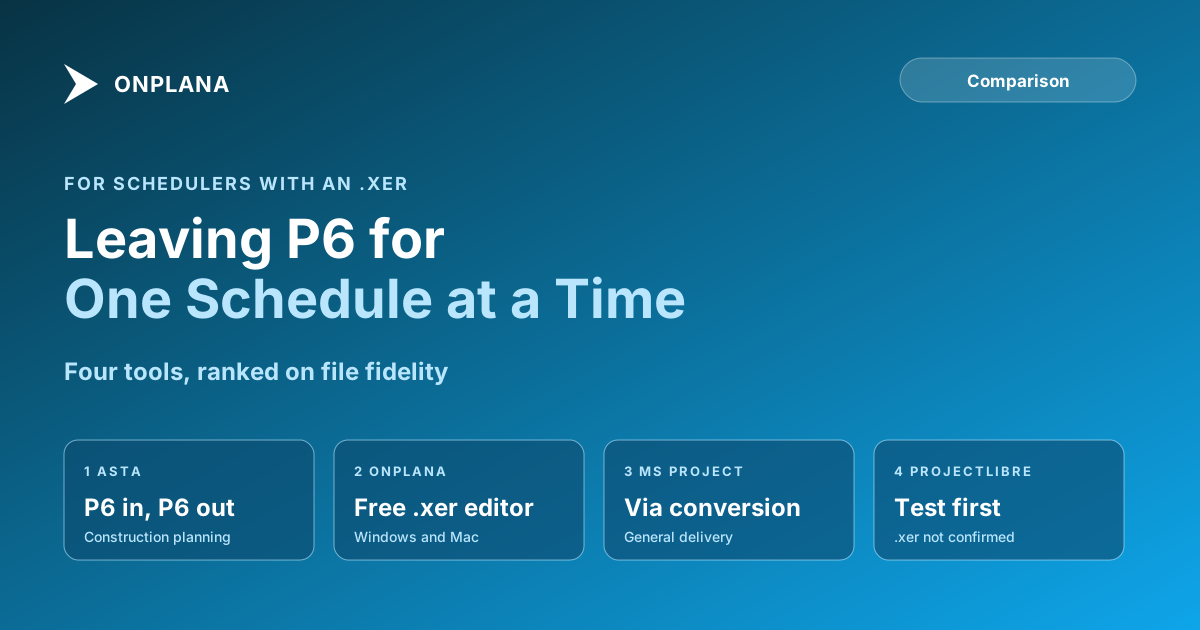
The short answer. The best Primavera P6 alternative depends on what you must keep intact. For P6-grade construction scheduling with P6 file exchange, Asta Powerproject is the closest match. For opening and editing an .xer for free on Windows or Mac, Onplana Schedule is the lightest route. For general delivery work, Microsoft Project is the familiar choice. Rank them on what a P6 user checks first: .xer fidelity, calendars, constraints and float.
Run the free XER viewer Upload a Primavera .xer and see the Gantt chart, task table, critical path and float, read-only, with no P6 licence and no account. Open the XER viewer
If the file is the problem, Open your .xer in Onplana Schedule, free and judge the schedule before you judge any tool.
Reviewers already audit a schedule on a few axes that decide whether an alternative is safe. The US Defense Contract Management Agency's 14-point schedule assessment, which Deltek documents in its Acumen metrics, says no more than 5% of incomplete tasks should carry a hard constraint and no more than 5% of logic links should carry lag. Any replacement has to keep constraints, lag and calendars intact for that check to mean anything.
How were these Primavera P6 alternatives ranked?
The ranking runs on four criteria in order: how faithfully the tool reads and writes P6 files, how it treats calendars, whether it keeps constraints and lag, and what it gives you for the critical path and float. Price comes last, because a cheap tool that rewrites your calendars costs more than it saves. Vendor facts below come from each vendor's own pages and were read on 2026-11-22; check them again before you buy.
The diagram below shows the decision most readers actually face.
Which tools are the best Primavera P6 alternatives?
| Rank | Tool | P6 file exchange | Best for | Where it stops |
|---|---|---|---|---|
| 1 | Asta Powerproject | Imports and exports .xer and P6 XML | Construction planners who keep exchanging P6 files | Warns that some Primavera data may be modified or lost on import |
| 2 | Onplana Schedule | Opens .xer; saves Project XML | Opening, checking and editing one .xer for free | Not a replacement for a shared P6 enterprise database |
| 3 | Microsoft Project | No native .xer; converts through XML | General delivery teams already on it | Fewer constraint options per task than P6 |
| 4 | ProjectLibre | Not verified for .xer | Free, small schedules | We could not confirm .xer support from its own pages |
Onplana ranks second here, not first, and the reason is stated in the last column: the closest like-for-like scheduler for P6 file exchange is Asta.
Asta Powerproject
Elecosoft's help says Powerproject opens projects saved from Primavera in XML or XER format, through File, Import/Export, Import from Primavera, and can export them back. It also states the catch plainly: "some of the information in a Primavera project may be modified or lost when you import it" (Elecosoft: importing projects from Primavera software). Pricing is set by Elecosoft, so ask them; we do not quote a figure we have not seen.
- Pros: built for construction planning, imports and exports both P6 formats.
- Cons: a separate product to learn and license, and a documented chance of changed data on import.
Onplana Schedule
Onplana Schedule is a free desktop app for Windows and Mac. It opens .mpp, .mpx, Project XML, .xer and other schedule files as a Gantt and grid with the critical path and float, lets you edit with undo, and saves the result as Project XML in a new file beside the original. It does not write .mpp. On Onplana's web app, Gantt with critical path and all four dependency types with lag are on every plan including Free; baselines start on Professional (USD 12 a seat a month, on plans.ts as read on 2026-11-22), and an .xer carries no baseline of its own, so you set one after opening.
The privacy split matters for a contractor's file. If the contents are Microsoft Project XML, the file is read on your machine and nothing is uploaded. Everything else, including a P6 .xer, is converted on Onplana's servers, and the uploaded copy is deleted within 3 days and removed from backups 7 days after that. The app tells you which before anything leaves your computer.
- Pros: free to open and edit an .xer, Windows and Mac, critical path and float on the first screen.
- Cons: it is a single-schedule tool; it does not replace an enterprise P6 database with shared codes and resource pools.
Microsoft Project
Microsoft Project does not open an .xer as a native file. The route is a conversion, covered step by step in converting an XER file to Microsoft Project. Once there, each task carries one constraint from eight types, where P6 allows a primary and a secondary on an activity; the Microsoft Project vs Primavera P6 comparison walks through the six axes. Prices run per user per month through Microsoft's own plans, so read Microsoft's pricing page on the day you decide.
- Pros: most project managers already know it; wide file support.
- Cons: lighter calendar and constraint control; no native P6 file.
ProjectLibre
ProjectLibre is a free desktop scheduler aimed at Microsoft Project users. We could not reach its site to confirm .xer import, so it sits last and unverified on that point. If you need it, test it on a copy of your file and compare the critical path against the original.
What does a move away from P6 not cover?
A file-based scheduler covers one schedule at a time. A P6 database adds an enterprise project structure, global activity codes and resource pools shared across a portfolio, and none of the four tools above promises to rebuild that from an .xer. Treat any alternative as a way to read, check and edit schedules, and prove it on one project before you plan a wider move. The same caution applies to the file itself: what an XER file holds lists the tables, and calendars are the first place dates shift. On a Mac, opening an XER file on a Mac is the shortest route.
How do you test an alternative on your own file?
Run the same four checks on every candidate, in this order:
- Open a copy of a real .xer, never the original.
- Compare the task count against the P6 original.
- Check that links, lag and constraints survived, then the working calendars.
- Compare the finish date and the critical path to the original, and stop if they differ.
If the schedule must be shared as well as read, Gantt chart software ranked and compared covers the browser-based options, and Onplana's Gantt with critical path shows what the free plan draws.
Download Onplana Schedule for Windows or Mac Open your .xer free, check the critical path and float, and save the plan as Project XML. No P6 licence needed. → Get Onplana Schedule
Oracle Primavera P6™ is a trademark of Oracle. Microsoft Project™ is a trademark of Microsoft Corporation. Onplana is not affiliated with Oracle or Microsoft.
Frequently asked questions
What is the best alternative to Primavera P6?
It depends on the file you must keep exchanging. Asta Powerproject is the closest like-for-like scheduler for construction because it imports and exports P6 files; Onplana Schedule is the free option for opening and editing a .xer; Microsoft Project suits general delivery work.
Can I open a Primavera .xer file without P6?
Yes. Onplana Schedule, a free desktop app for Windows and Mac, opens a .xer with its links, lag, critical path and float, and the free XER viewer shows it read-only in a browser. Asta Powerproject also imports .xer files.
Does any alternative replace P6 for an enterprise portfolio?
Not safely from a file alone. If your estate is a P6 database with shared activity codes, an enterprise project structure and resource pools across hundreds of schedules, a file-based scheduler covers one schedule at a time, so test it on one project before you plan a move.
Will the dates match after I move a schedule out of P6?
Not guaranteed, and calendars are the usual cause. Vendors say as much: Asta's help warns that some information in a Primavera project may be modified or lost on import. Compare the finish date and the critical path against the original before you quote either.
Is the .xer uploaded when I open it in Onplana?
Yes, an .xer is converted on Onplana's servers, and the uploaded copy is deleted within 3 days and removed from backups 7 days after that. Only a file whose contents are Microsoft Project XML is read on your machine without an upload.
Can Microsoft Project open a P6 file directly?
Not as a native file. P6 exports .xer and P6 XML while Microsoft Project uses .mpp and Project XML, so the schedule has to be converted, and the converted file needs its calendars checked.
Ready to make the switch?
Start your free Onplana account and import your existing projects in minutes.