Migrating From Wrike: What Transfers and What Doesn't
How to migrate from Wrike: export to Excel, import the work breakdown into Onplana, then rebuild comments, request forms and automations by hand.
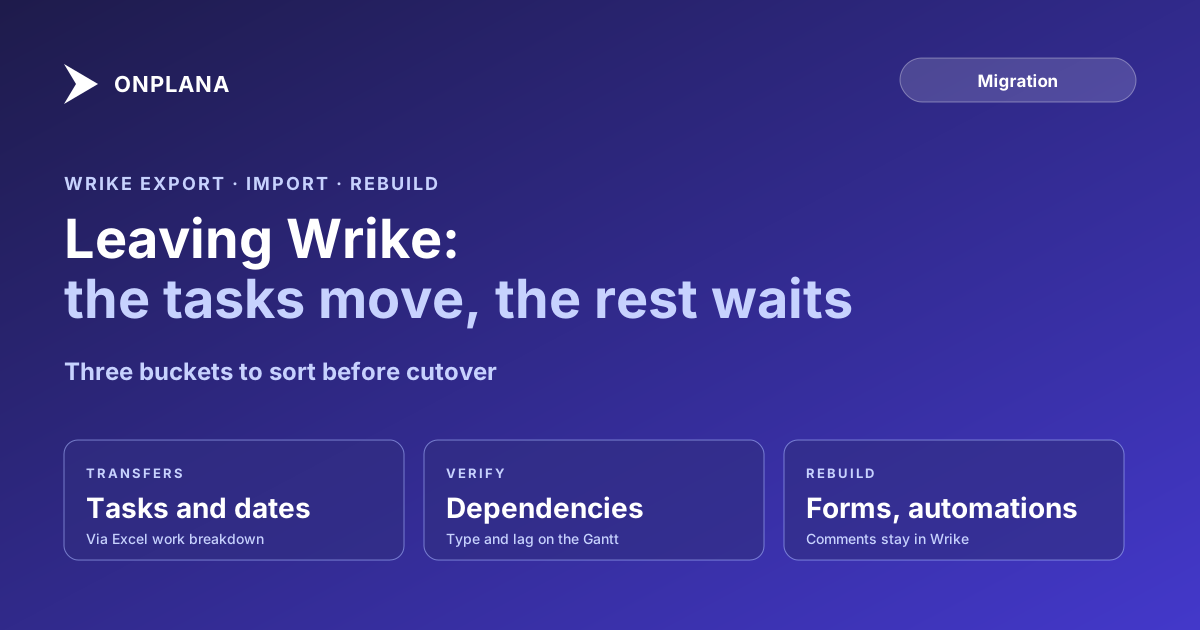
Wrike will hand you almost every task you own and none of the conversation around it. Its Excel export carries tasks, subtasks, statuses, assignees, dates, durations, dependencies and custom fields, but "attachments and comments aren't exported to Excel," and the file stops at 65,000 rows and 256 columns (Wrike help center, checked October 2026). That sentence is the whole shape of the job: the work breakdown moves in an afternoon, and the forms, automations and history take the weeks.
The short answer. To migrate from Wrike to Onplana, export each space to Excel, import it as a work breakdown structure, check the dependencies on the Gantt, then rebuild request forms as intake forms and automations as workflow rules. Comments and attachments do not travel, so keep Wrike read-only through a parallel run. Onplana's Excel and CSV import is on every plan, including Free.
What transfers when you migrate from Wrike?
The task tree transfers; the surrounding context does not. The table shows each Wrike element against what Wrike's own export carries and what to do in Onplana.
| Wrike element | In Wrike's Excel export | In Onplana |
|---|---|---|
| Projects, folders, subtasks | Yes, nested | Imported as outline levels and WBS hierarchy |
| Status, assignee, dates, duration | Yes | Imported with the task; map assignees to members first |
| Dependencies | Listed in the export | Import, then verify type and lag on the Gantt |
| Custom fields | Yes (not formula fields) | Recreate the fields first (Professional and up) |
| Time log entries | Yes | Keep the Excel file as the historical record |
| Comments | No | Rebuild by hand; copy forward only live decisions |
| Attachments | No | Re-upload what is still in use |
| Request forms | Not exported | Public intake forms (Professional and up) |
| Automations | Not exported | Workflow rules (Professional and up) |
Onplana's import accepts an Excel or CSV work breakdown structure up to 50 MB and preserves the hierarchy (outline levels, WBS codes, indentation). Working calendars do not come across; the project uses your organization's working calendar, so set that before you import. Read the import row on the pricing matrix and the Gantt and critical path page for what each plan includes.
How do you export from Wrike without hitting the limits?
Export one space at a time, and split any space near the row limit. The steps:
- Open the space in Wrike, click the three-dot menu, choose Export, then Excel.
- Choose projects, folders and all tasks, not filtered tasks, so nothing is silently left out.
- If Wrike reports an error, you have crossed 65,000 rows or 256 columns; export sub-projects or sub-folders separately.
- Save the files unchanged as your archive, then work on copies.
- Delete columns you will not map, and add an outline-level or WBS column if the hierarchy came out flat.
The diagram below shows the sequence, and where the manual work sits.
Do Wrike dependencies survive the migration?
Check them; do not assume. The export lists dependencies, but a spreadsheet carries dependency type and lag poorly, so a finish-to-start link with a three-day lag can arrive as a plain link. Onplana supports all four dependency types (FS, SS, FF, SF) with lag on every plan, so there is nowhere the model cannot hold what Wrike had. The risk is in the carrier, not the destination. Compare the critical path in both tools for your three largest projects; if the chains differ, fix the links before anyone trusts a date. The dependency types deep dive explains what each type and lag does to the dates.
What do you rebuild by hand?
Rebuild request forms, automations and the comment history that still matters. Wrike request forms map to Onplana public intake forms, which are password-protected forms that create a task or project on submission. Automations map to workflow rules with approval steps and delays. Both start on Professional, so on Free or Starter, decide before cutover whether intake can wait. Wrike collaborators map to guest seats, which exist on every paid plan (the Free plan has none). The Free plan also caps a workspace at 5 members and 2 projects, which suits a one-project pilot and not a full cutover.
For the decision of whether to move at all, Onplana vs Wrike compares the two on tiers, resource planning and deployment. For the cost of the transition itself, switching project management tools covers parallel runs and retraining, and the best project management software roundup puts both in the wider field.
How long should you run both tools?
Run both for two to four weeks, with Wrike read-only. That window is long enough to catch import gaps and short enough that nobody keeps updating the old system. Name one person to reconcile discrepancies, move one project first, and cut over the rest only when its Gantt, owners and intake form behave the way the Wrike version did.
Start with one project on the Free plan Import a single Wrike export as an Excel work breakdown and check the Gantt before you commit the rest. See what each plan includes first. → See plans and limits
Frequently asked questions
How do I migrate from Wrike to another tool?
Export your spaces from Wrike to Excel, import the spreadsheet into the new tool as a work breakdown structure, then rebuild what Excel cannot carry: comments, attachments, request forms and automations. In Onplana the import accepts Excel and CSV on every plan, including Free.
Can I export my Wrike data?
Yes, to Excel. Wrike's export includes tasks, subtasks, statuses, assignees, dates, durations, dependencies, time log entries and custom fields, but not comments or attachments, and it stops at 65,000 rows and 256 columns.
Do Wrike dependencies survive the move?
Treat them as unproven until you check. The export lists dependencies, but a spreadsheet is a thin carrier for dependency type and lag, so open the Gantt after import and compare the critical path against Wrike's. Onplana supports all four dependency types with lag on every plan.
Will I lose my Wrike comments and attachments?
Yes, from the export, because Wrike does not put them in the Excel file. Keep the Wrike workspace read-only for the length of a parallel run, and copy forward any decision that still matters as a comment on the new task.
What replaces Wrike request forms in Onplana?
Public intake forms, which are password-protected forms that create a task or a project on submission. They start on the Professional plan, so a team on a lower tier has to plan for that before intake stops working.
How long does a Wrike migration take?
A single project can be exported and imported in an afternoon. The real time goes to the parallel run and to rebuilding forms and automations, which is why two to four weeks is a sensible plan for a team.
Ready to make the switch?
Start your free Onplana account and import your existing projects in minutes.