Pull Planning and the Last Planner System, Explained
Pull planning works back from a milestone with the trades who do the work. See the Last Planner System in four levels, with a worked example and PPC math.
The master schedule says the roof deck is done in week 19. It does not say the crane is booked elsewhere that week, or that the roofer needs the deck two days earlier than the framer thinks. Pull planning is how the people doing the work find that out in a meeting instead of on site. It works backward from a milestone: each trade places its tasks starting at the milestone and working back, so every task on the wall exists because a later task needs it.
In short. Pull planning is the phase-planning step of the Last Planner System: the trades build the plan backward from a milestone. The system then runs four levels, a master schedule, a phase pull plan, a look-ahead and a weekly work plan, and measures reliability with percent plan complete (PPC), the share of promised tasks finished in the week.
Pull a three-week look-ahead out of your schedule file The free look-ahead tool opens your .mpp, Project XML or .xer and lists the tasks in the next two or three weeks, for everyone or one resource, ready to print or save as a PDF. → Open the look-ahead schedule tool
The Lean Construction Institute defines pull planning as a method in which "personnel, materials, information, equipment, and the like only arrive at the time and place in which they are needed" (Lean Construction Institute). That is the opposite of pushing: a push schedule says when each task should start, and a pull plan asks the next trade when they actually need it.
What are the four levels of the Last Planner System?
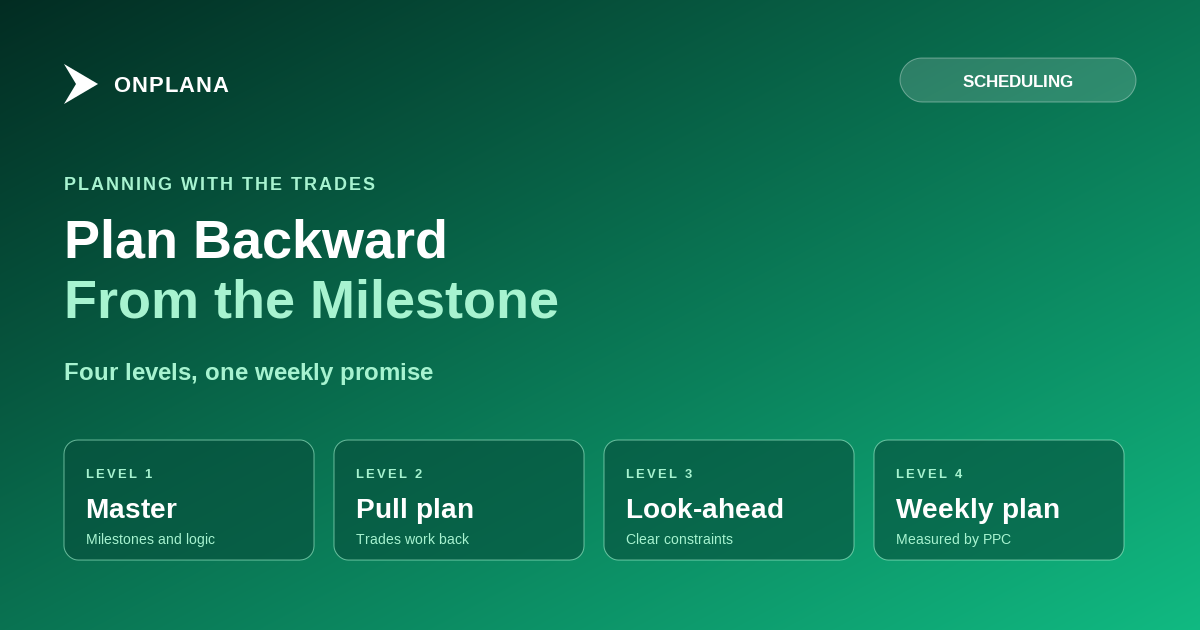
The Last Planner System plans at four levels, from the whole project down to one week. The names below are the common teaching names; the Lean Construction Institute describes the same system as five conversations (should, can, will, did, learn).
| Level | What it answers | Who is in the room | Horizon |
|---|---|---|---|
| Master schedule | What are the milestones and the logic? | Project manager, scheduler | Whole project |
| Phase pull plan | How do we reach this milestone, working back? | Trades for that phase | One phase |
| Look-ahead (make-ready) | What must be cleared before each task can start? | Foremen, project team | Typically 3 to 6 weeks |
| Weekly work plan | What do we promise to finish this week? | The people doing the work | One week |
The Institute says make-ready planning "gets the upcoming work in a condition so that it can be done", and that weekly work planning "establishes the set of promises from specific people for the work that will be done". The weekly plan is where the system measures itself.
The diagram below shows the four levels as a funnel from the master schedule to the weekly promise, with PPC feeding back.
How does a pull planning session work?
A pull session is one meeting, usually at a wall, with the trades who will do the phase. The steps are the same on any project.
- Fix the milestone. Write the finish milestone at the right edge of the wall, taken from the master schedule.
- Work backward. Each trade places a sticky note for each task it does, starting from the last task before the milestone and working back.
- Ask what you need. For each note, the trade says what it needs from the trade before it, and by when. That hand-off is the logic of the plan.
- Log the constraints. Anything that is not yet in hand (a drawing, a delivery, an inspection, access) goes on a constraints log with an owner and a date.
- Check against the master. If the notes show the phase cannot reach the milestone, the gap goes back to the master schedule for a decision.
What does a worked pull planning example look like?
Take a milestone, "Building weathertight", at the end of week 20. Working back with the trades, the wall reads like this.
| Week | Task placed | Needs from the trade before |
|---|---|---|
| 20 | Roof flashing and sealing | Membrane complete |
| 19 | Roof membrane | Deck complete and dry |
| 18 | Roof deck | Roof framing signed off |
| 17 | Roof framing inspection | Framing complete, inspector booked |
The constraints log from the same session holds: inspector booked for week 17 (owner: site manager, due week 14), membrane delivery confirmed (owner: roofer, due week 16), crane available in week 18 (owner: project manager, due week 15).
Each week the six-week look-ahead is cut from this plan and the constraints are reviewed. Suppose the weekly plan for week 15 holds 12 tasks and the crews finish 9. PPC is 9 divided by 12, which is 75 percent. The three misses are recorded with a reason each, such as late delivery or an incomplete predecessor, and the reasons are what the team acts on, not the number.
The Lean Construction Institute defines PPC as how many of the weekly tasks were "completed on time". Ballard's 2000 University of Birmingham thesis notes earlier research that found "substantial improvement in productivity" for those who raised plan reliability to the 70 percent PPC level (Ballard, 2000).
Does pull planning replace the CPM schedule?
No. The master schedule is still a critical path schedule, and it sets the milestones the pull session works back from. The critical path method tells you which tasks can move the finish date; pull planning refines one phase of it with the people who know the real sequence and float in the field. When a pull plan shows a phase needs more time than the master allows, take it back to the master rather than absorbing it on site.
The look-ahead is the bridge between the two: the three-week look-ahead is a window cut from the master, cleared of constraints each week. For the week-by-trade view, see a construction schedule by week and trade, and for why site logic differs from other schedules, construction scheduling vs IT scheduling. The wider site picture is on the construction scheduling solution page.
Where does Onplana fit?
The master schedule and the look-ahead are the parts that live in a schedule file. The free look-ahead tool reads your .mpp, Project XML or .xer and lists the tasks in the window you choose; it does not keep a constraints log or crew sizes, which stay on your own sheet. The pull session itself, the sticky notes and the PPC count, stay with the people in the room.
Pull a three-week look-ahead out of your schedule file Open your .mpp, Project XML or .xer, choose Reports, then Look-ahead, and print the window or save it as a PDF for the weekly meeting. No account. → Open the look-ahead schedule tool
Frequently asked questions
What is pull planning?
Pull planning is a method of planning backward from a milestone: the people who do the work place their tasks on a wall or board, starting at the milestone and working back, so each task is there because a later task needs it. The Lean Construction Institute describes it as personnel, materials, information and equipment arriving only at the time and place they are needed.
What is the Last Planner System?
The Last Planner System is a production planning method for construction that runs planning at four levels: a master schedule, a phase pull plan, a look-ahead with make-ready work, and a weekly work plan. It measures reliability with percent plan complete (PPC).
What is percent plan complete (PPC)?
PPC is the share of the tasks promised for a week that were finished that week. If a crew promised 12 tasks and finished 9, PPC is 75 percent. A task that is only partly done counts as not done.
Does pull planning replace the CPM schedule?
No. The CPM master schedule still sets the milestones, the logic and the critical path. Pull planning refines one phase of it with the trades, and the look-ahead and weekly plan carry that detail down to the crew.
Can pull planning be wrong?
Yes. A pull session reflects what the people in the room know, and a trade that is missing from the room is missing from the plan. Dates agreed on sticky notes still have to be checked against the master, and a pull plan that pushes past a milestone has to be taken back to the master, not absorbed on site.
How far ahead does a look-ahead plan look?
Commonly three to six weeks. Use the window in which you can still clear a constraint, such as a late delivery or a missing permit, before it stops a crew.
Ready to make the switch?
Start your free Onplana account and import your existing projects in minutes.