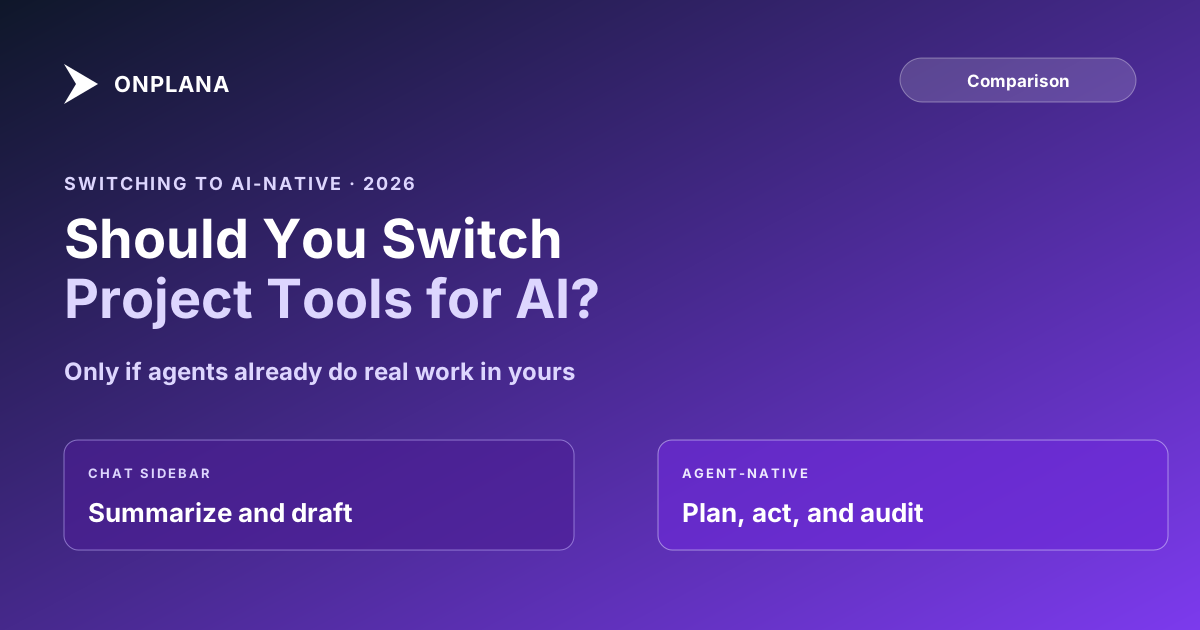
Switching to an AI-Native Project Tool: The Honest Case
Switching to an AI-native project tool pays off once agents already do real work in yours; if your AI use is a chat sidebar, the switch buys you nothing.
Every vendor pitching agent-native right now wants you to believe the switch is obvious. It isn't, not for every team, and a vendor that tells you otherwise is selling you the switch, not helping you decide on it.
The direct answer: switching to an AI-native project tool is worth it for a team where agents already do real work, drafting deliverables, closing routine tasks, running status checks against live data. It is not worth it for a team whose AI use today is asking a chat sidebar to summarize a report, because a sidebar bolted onto your current tool already covers that case, and the migration cost of switching buys you nothing your workflow will actually use.
TL;DR: Should you switch?
- Switch if agents already draft, close tasks, or act on your project data today
- Stay if your AI use is chat summaries and drafting help inside the tool you already have
- Either way, budget the same 2-4 week parallel-run cost as any tool switch
What Actually Differs Between an AI Feature and an Agent-Native Tool
The two categories look identical on a pricing page: both say "AI" somewhere near the top. What differs is what happens when an agent, not a human typing into a chat box, needs to act on your project data.
| AI feature (bolted on) | Agent-native tool | |
|---|---|---|
| Connection | Chat sidebar built by the vendor | Open protocol (MCP) any compliant client speaks |
| Who can connect | Only the vendor's own chat UI | Claude Code, ChatGPT/Codex, custom agents, future clients |
| Scope | Whatever the sidebar's backend allows | Token-bounded to the connecting user's own permissions |
| What it can do | Summarize, draft, answer questions about your data | Plan, execute, close tasks, file issues as durable records |
| Audit trail | Usually none, or a separate "AI activity" log | Every call lands in the same audit log as human actions |
| Work product | Text in a chat window | Tasks, plans, and issues attached to the real project |
If your current tool only clears the left column, that's not a defect. It's most PM tools in 2026, and it's a reasonable place to be if nothing in your workflow needs the right column yet.
Switching to an AI-Native Project Tool: The Honest Answer
The switch decision comes down to one question: is an agent, today, doing work your team depends on, or is "AI" still something a person occasionally asks a question of? Agent-native project management covers what the right-hand column above requires under the hood, open protocol, bounded scope, server-side audit, verify-before-done discipline, and every one of those properties matters only once something is actually connecting and acting.
A team that hasn't reached that point yet gains nothing from the architecture. A sidebar that drafts a status report or answers "what's overdue" does the job a bolted-on feature was built for. Switching tools to unlock a capability nobody on the team is using yet is paying a real migration cost for a theoretical benefit, and the theoretical benefit is exactly what a vendor pitch leans on.
What Switching Actually Costs
The cost of moving to a new PM tool doesn't disappear because the destination is agent-native. Switching project management tools covers the full accounting: retraining muscle memory, rebuilding the reports and integrations the old tool fed, and running both systems in parallel long enough to trust the new one before cutting over. None of that shrinks because the reason for the move is AI capability instead of price or a missing feature. Treat an agent-native switch as a normal tool migration with an unusual justification, not a special, lower-cost category of change.
The Signal That Says You're Ready
Three concrete signals, not a feeling, say a team has outgrown a bolted-on chat sidebar:
- An agent is already drafting deliverables weekly, and someone is manually copying its output into the project tool because the two aren't connected.
- The team has hit a wall on what the sidebar can see or touch, needing an agent to close tasks, file issues, or update a schedule rather than just answer questions about it.
- Someone has asked for an audit trail of what an AI touched, and the honest answer today is that there isn't one, because the sidebar's actions never left the chat window.
The diagram below walks the same decision as a single branch: agents doing real work, or not yet.
The current shortlist of PM tools built for agent workflows covers what to score once you've decided the switch is worth making, protocol support, scheduling depth an agent can reason over, and the governance controls an admin needs before letting agents connect at all. The full comparison hub covers the rest of the buying criteria, cost, migration path, and team fit, once agent readiness is one column on the shortlist rather than the only one. The rest of the Onplana blog covers the governance and practice questions that come after the switch: onboarding an agent, scoping its permissions, and reviewing what it produces.
Frequently asked questions
Isn't switching PM tools always a wash because the cost never pays back?
Switching costs are real, and most switches chasing a single feature don't pay back. This one pays back only when agents already do enough real work, drafting deliverables, closing routine tasks, that the scope and audit gaps of a bolted-on chat sidebar are costing you today, not hypothetically.
Can our current tool's chat sidebar just be upgraded to do what an agent-native tool does?
A chat sidebar can get better at drafting and summarizing without much trouble. What it can't do without a rebuild is expose an open protocol that an external agent connects to under your own scoped permissions, because that's an architecture decision, not a feature toggle a vendor ships in a release note.
What happens to an agent's access and audit trail if a switch goes wrong?
Revoking an agent's access on either tool is a single action, pulling the token or the connected persona, and it takes effect immediately. Nothing the agent already produced undoes itself, which is why review discipline matters regardless of which tool you're on before or after a switch.
What's the real difference between AI-native and AI features?
AI features summarize and draft inside the vendor's own interface. AI-native means an external agent connects over an open protocol, plans and executes against your real data, and every action lands in the same audit log as a human teammate's.
How long does switching to an agent-native tool actually take?
Budget the same timeline as any PM tool switch: two to four weeks of parallel running the old and new systems, plus retraining, before you cut over. Agent-native capability doesn't shorten a migration; it's a property of the destination tool, not the move itself.
Do we need MCP specifically, or is any agent connection good enough?
MCP is the current open standard, and it matters because an open protocol means any compliant client, not just the one the vendor built a proprietary plug-in for, can connect. A single-client integration locks you to whichever AI product that integration targets.
Ready to make the switch?
Start your free Onplana account and import your existing projects in minutes.